Blog /Platform
SSO login and invoice logos
Sign in through your own identity provider with OIDC single sign-on, on solidtime Cloud or self-hosted, and put your logo on every invoice.
·v0.23.0 ·1 min read
solidtime v0.23.0 brings single sign-on via OIDC and logos on invoices.
Single sign-on with OIDC
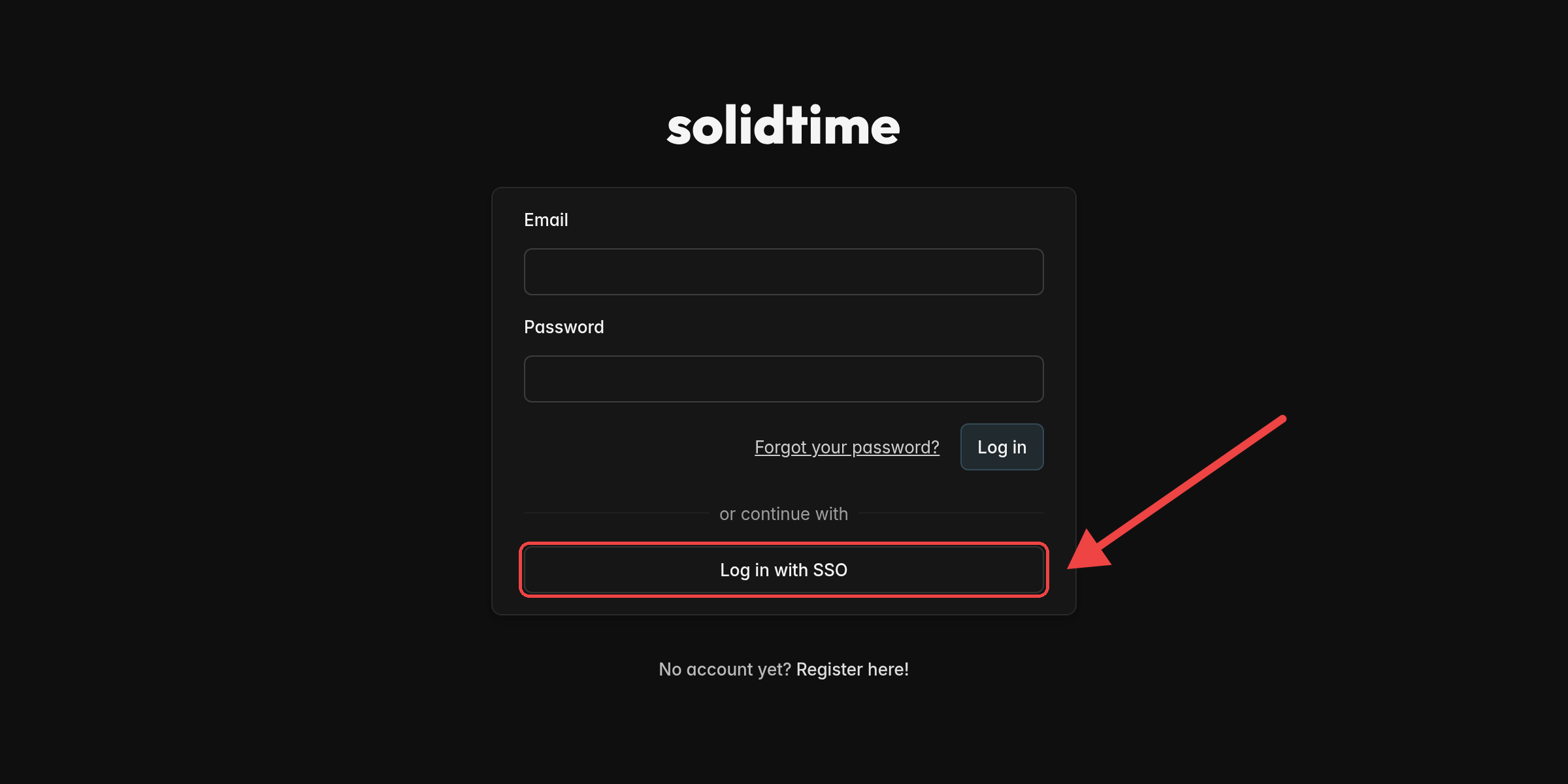
solidtime now supports SSO logins via any identity provider that implements OIDC, including Google Workspace, Microsoft Entra, Okta, Keycloak, Authentik, Zitadel and Authelia.
On solidtime Cloud, SSO is available on request: email hello@solidtime.io and we'll set it up for your organization. For self-hosted instances, SSO is part of the On-Premise Business plan.
Self-hosting? The SSO documentation walks through the setup and has step-by-step guides for:
Using a different provider? Follow the adding an identity provider guide.
Logos on invoices
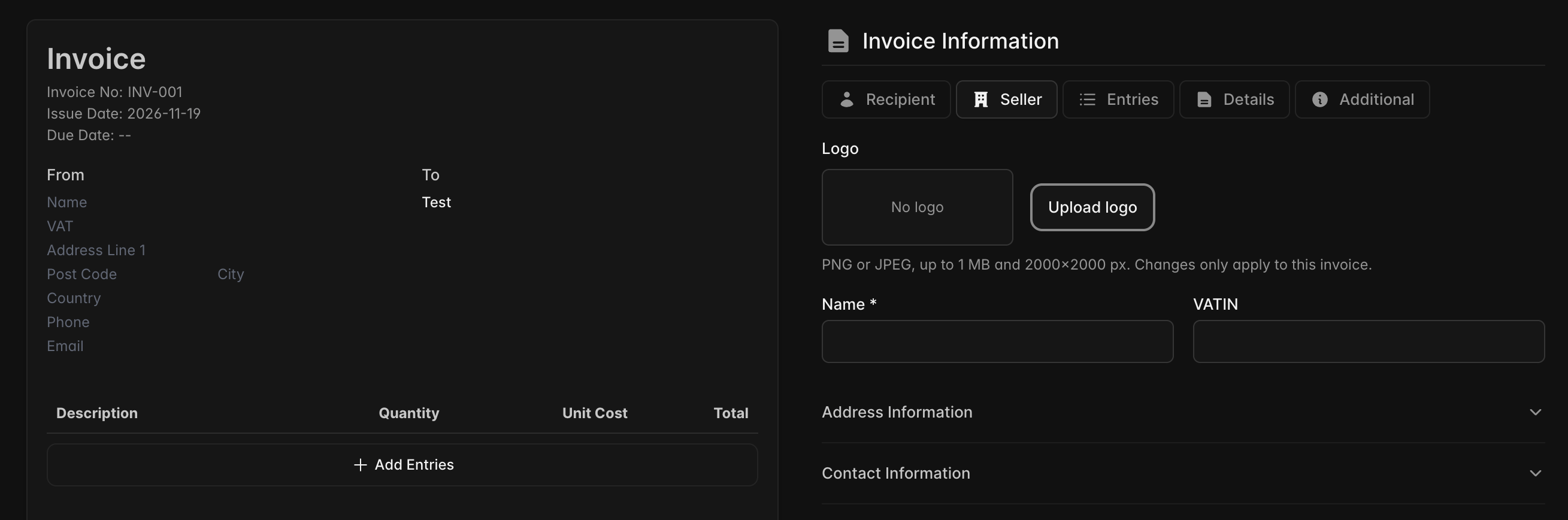
Invoicing now supports logos, so your invoices match your branding. The logo appears at the top right of the invoice, and if you save it in your default settings it is reused on every new invoice.
Default settings also have their own page now, so you can see everything you've stored as a default in one place.
Also in v0.23.0
- Docker images are signed with cosign and ship with an SBOM and provenance attestations
- Grouping time entries by date now respects daylight saving time
- Dragging an event in the calendar no longer shifts it by the start-hour offset
- A time entry's client stays in sync with its project, and project and task spent time is recalculated after admin changes
- Fixes for yearly admin charts, report gap filling, imports and email case handling