Blog /Time tracking
Set yourself goals in solidtime
Pick a time target per day, week or month, narrow it down to the work that matters, and see at a glance whether you're on track.
·v0.22.0 ·1 min read
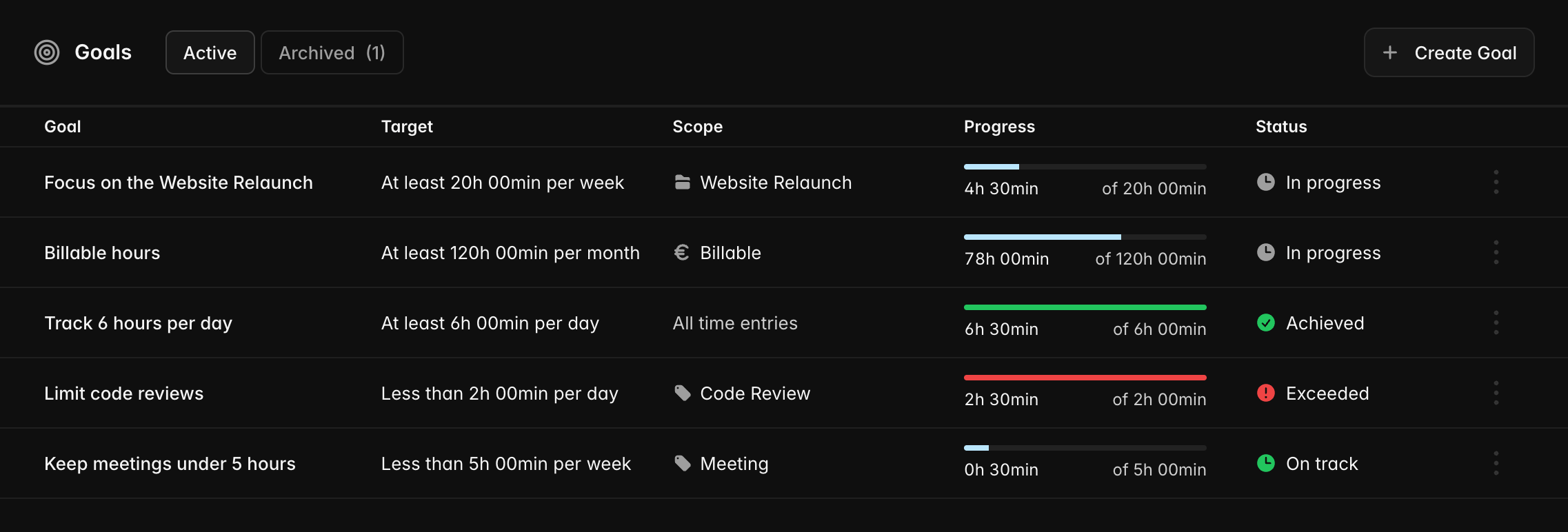
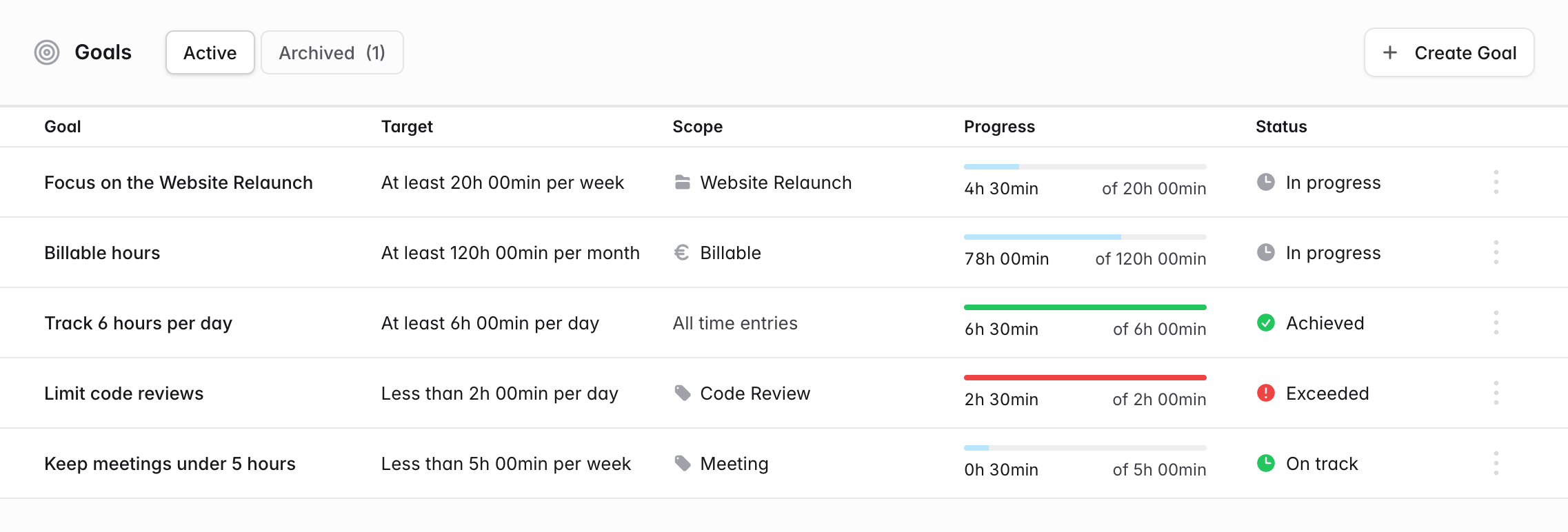
solidtime v0.22.0 introduces Goals: set yourself a time target and follow your progress towards it, right next to the time you track.
Want to track at least 6 hours per day, spend 20 hours per week on your most important project, or keep meetings under 5 hours per week? solidtime counts your tracked time against the target in the current day, week or month and tells you at a glance where you stand.
Create a goal in seconds
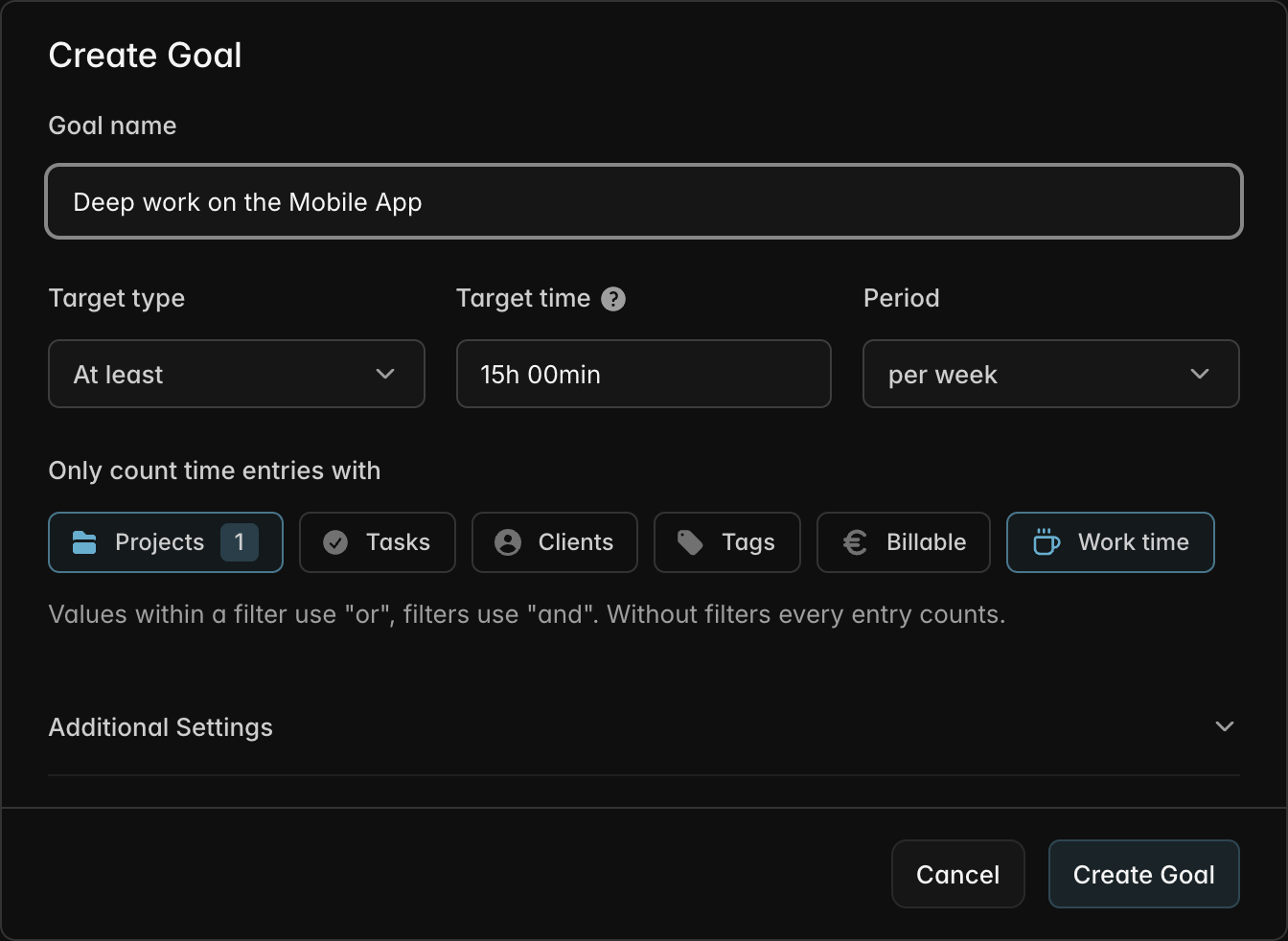
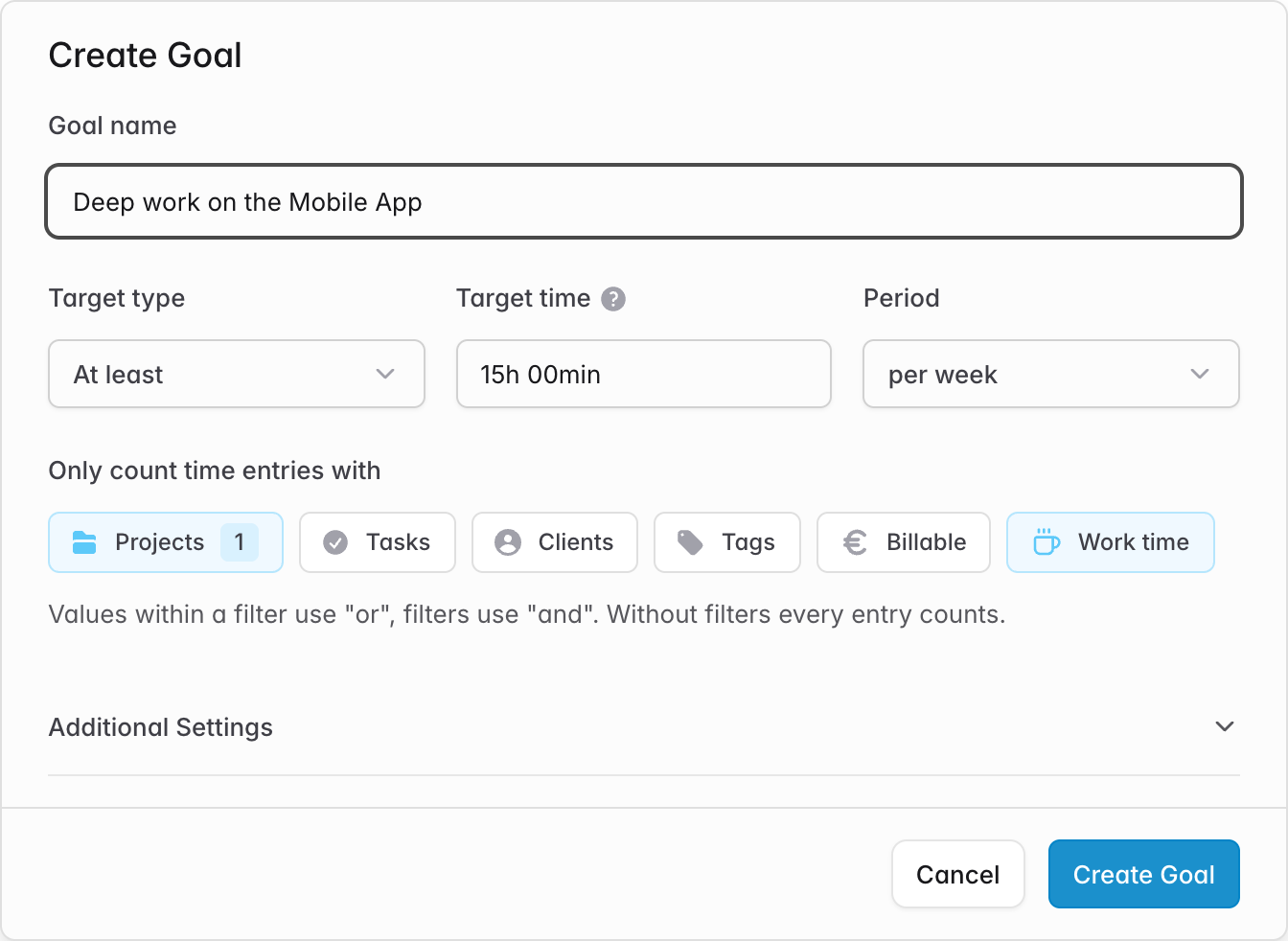
Open Goals in the sidebar and click Create Goal. Give it a name, choose a target time and a period, and decide what kind of target it is:
- At least for things you want to do more of, like billable hours or focus time
- Less than for things you want to limit, like meetings or code reviews
Count only the time that matters
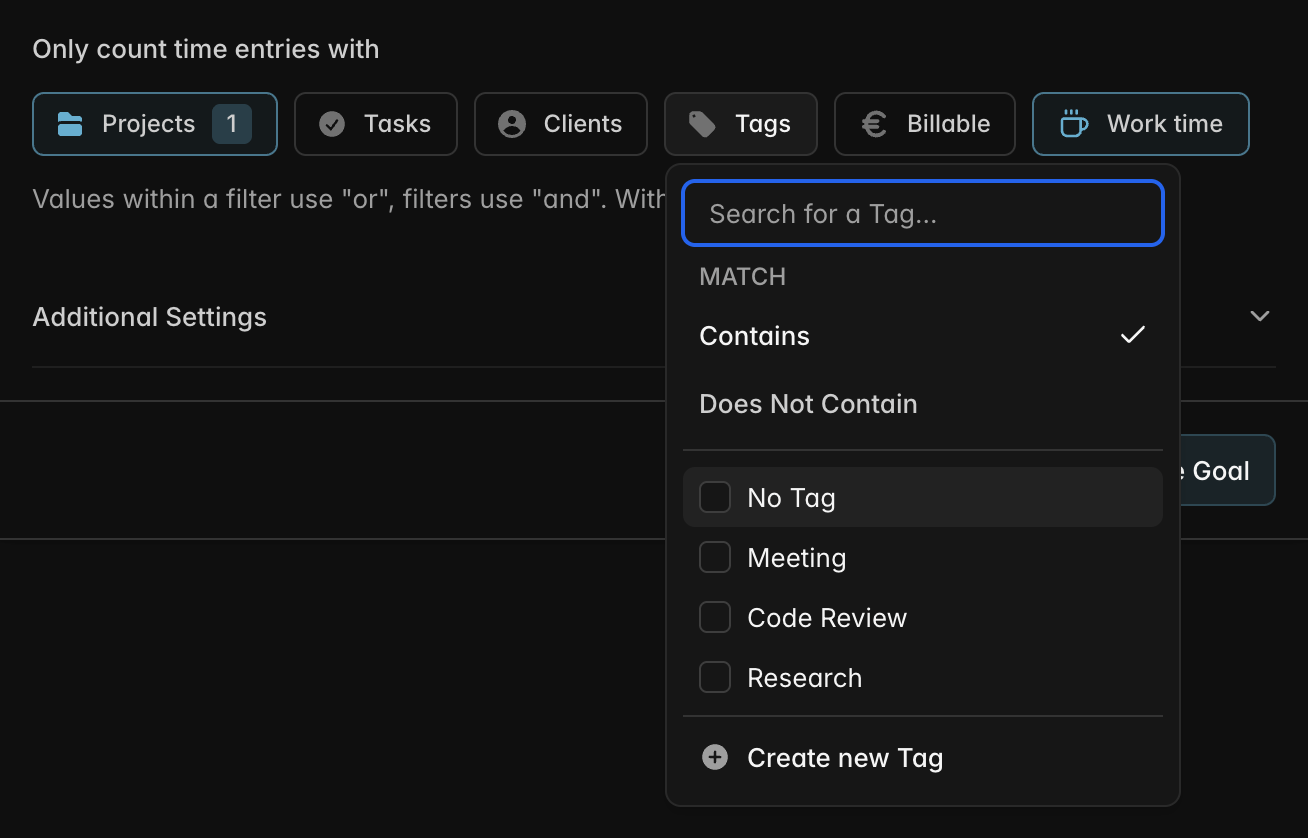
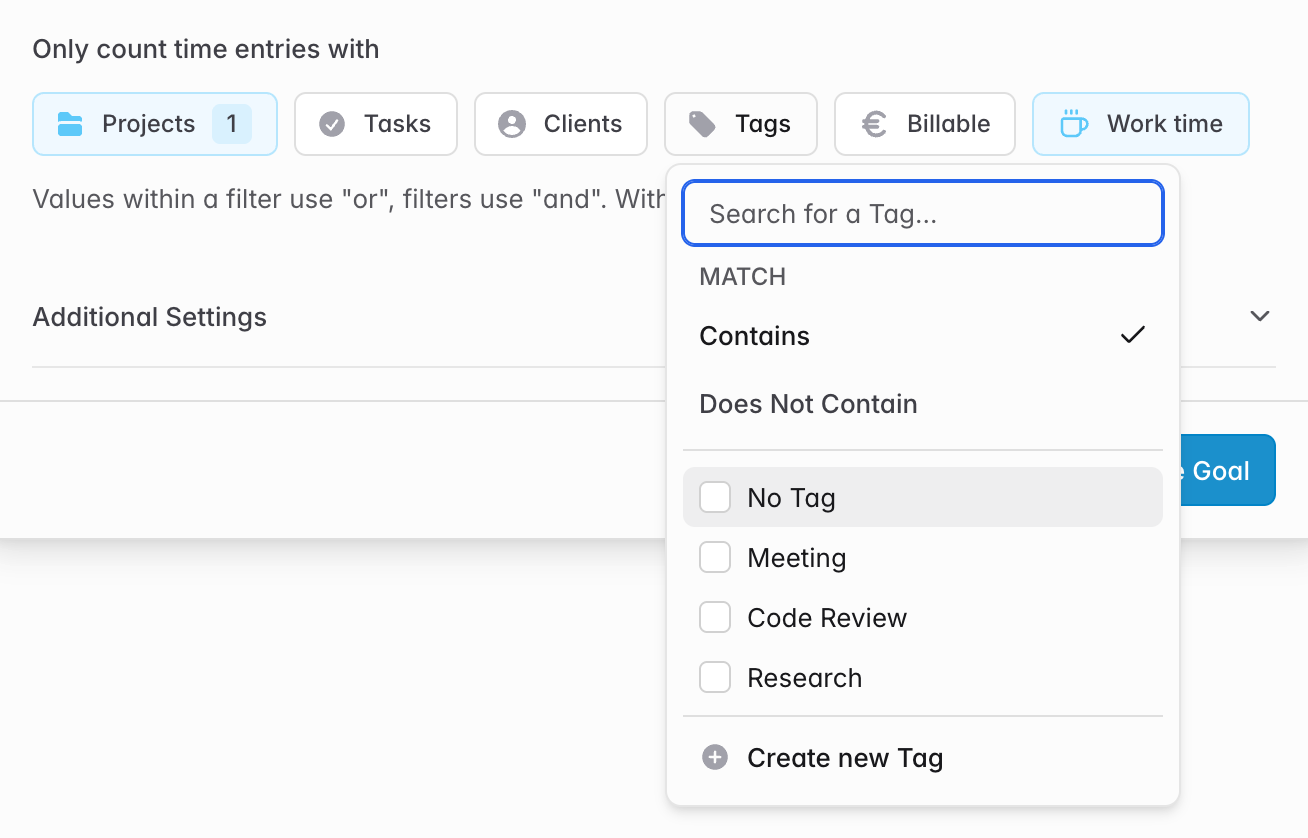
Every goal can be narrowed down with the same filters you know from reporting: projects, tasks, clients, tags, billable status and, with break tracking enabled, work time or breaks. Tags can be matched with Contains or Does Not Contain, so a goal like "deep work without meetings" is just a few clicks away.
See where you stand
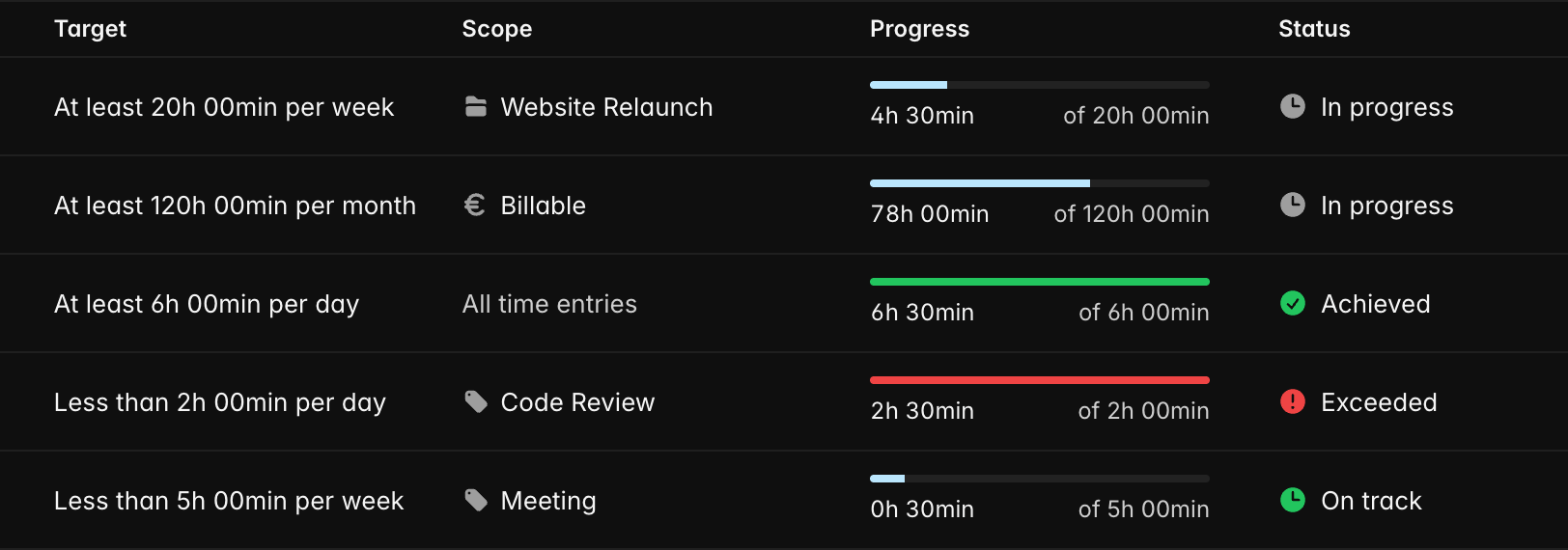
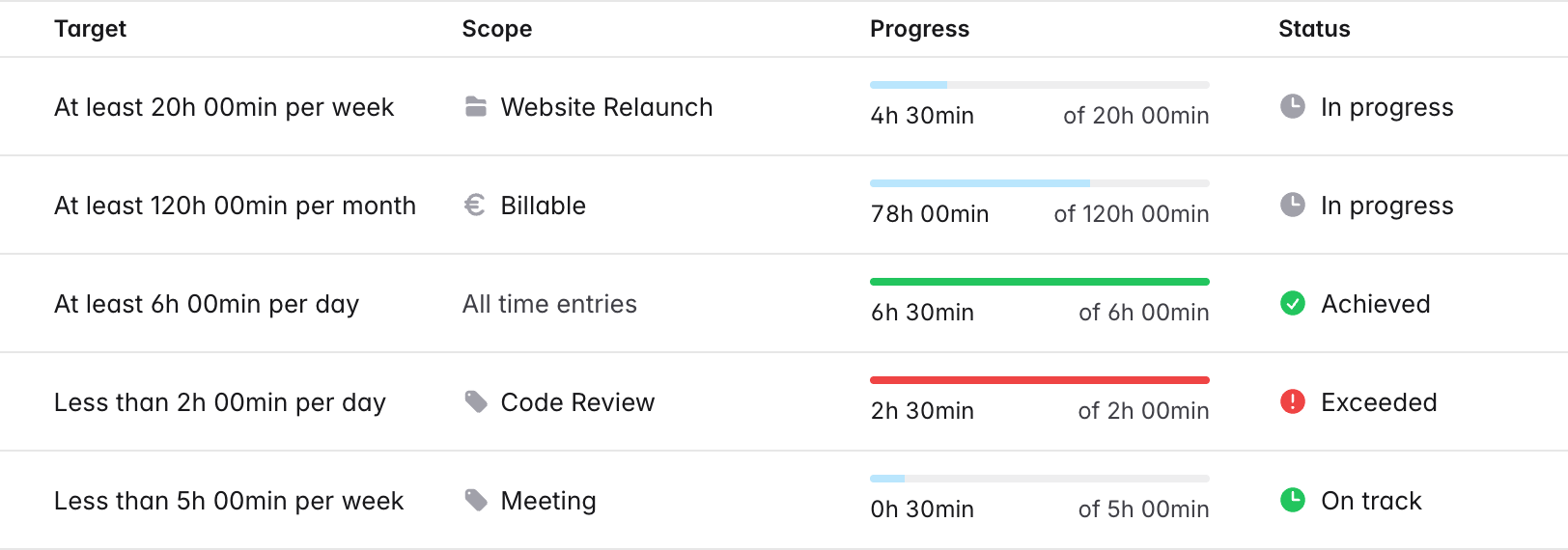
The Goals page shows the progress of every goal in the current period, including a running timer. Each goal gets a clear status: In progress or Achieved for targets you want to reach, On track or Exceeded for limits you want to stay under.
Goals are personal: only you can see, edit or delete the goals you create. Goals you no longer need can be archived and brought back at any time.