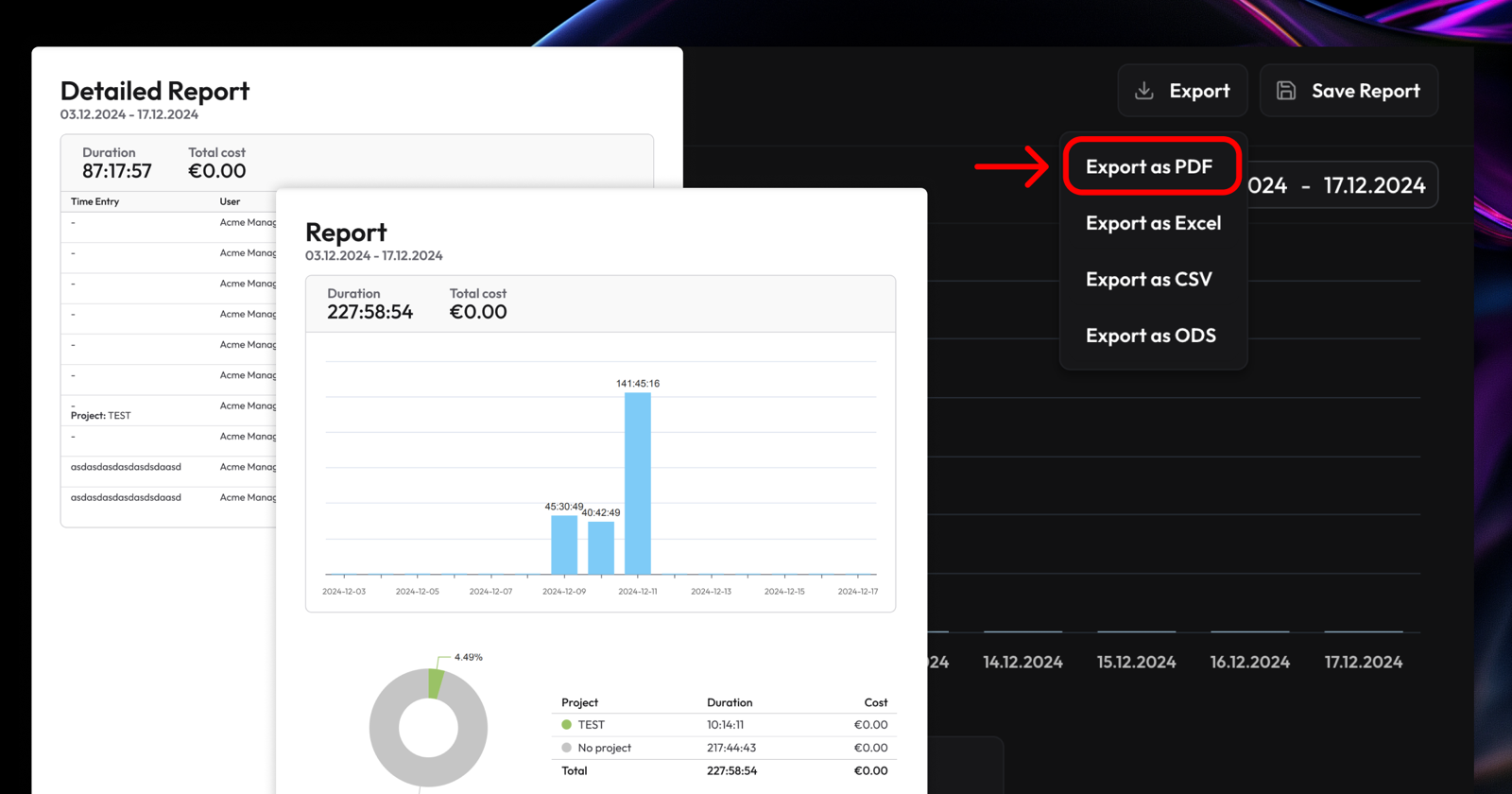
Today we're excited to bring two highly requested features to solidtime, making it far easier to share your reports: PDF reports and shareable reports.
PDF reports
You can create PDF exports right from the Overview and Detailed Reporting sections. Just choose the filters and timeframe you want, then select Export → Export as PDF in the top-right corner.
Shareable reports
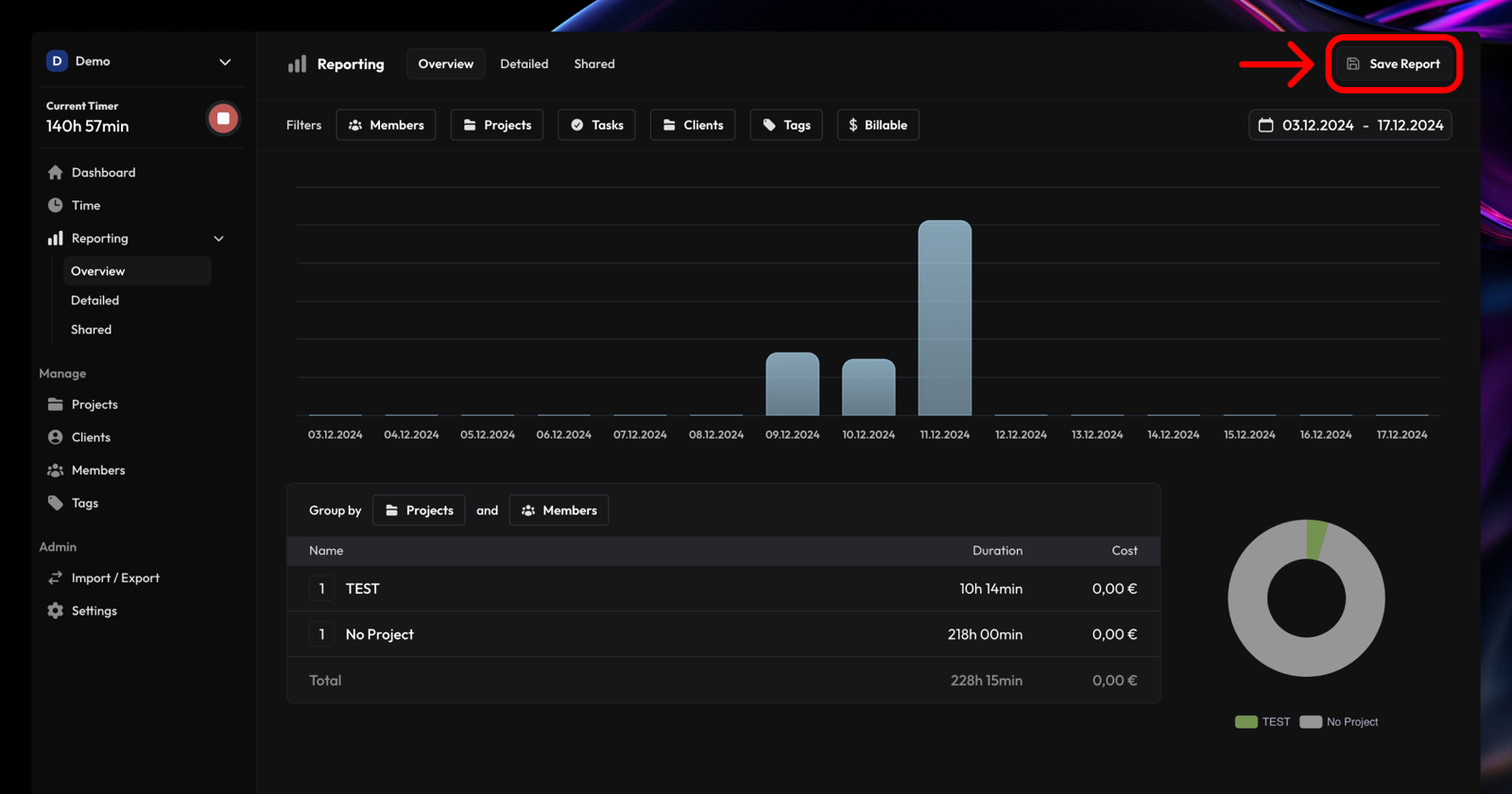
Shareable reports are the easiest way to share an interactive report with clients or colleagues. Pick your filters and timeframe, then click Save Report in the top-right. Reports can be private or public, and you can even set them to expire. Public reports generate a secure URL that's easy to share.