We're excited to share a batch of new features and improvements that make time tracking smoother than ever. Here's what's new.
New command palette
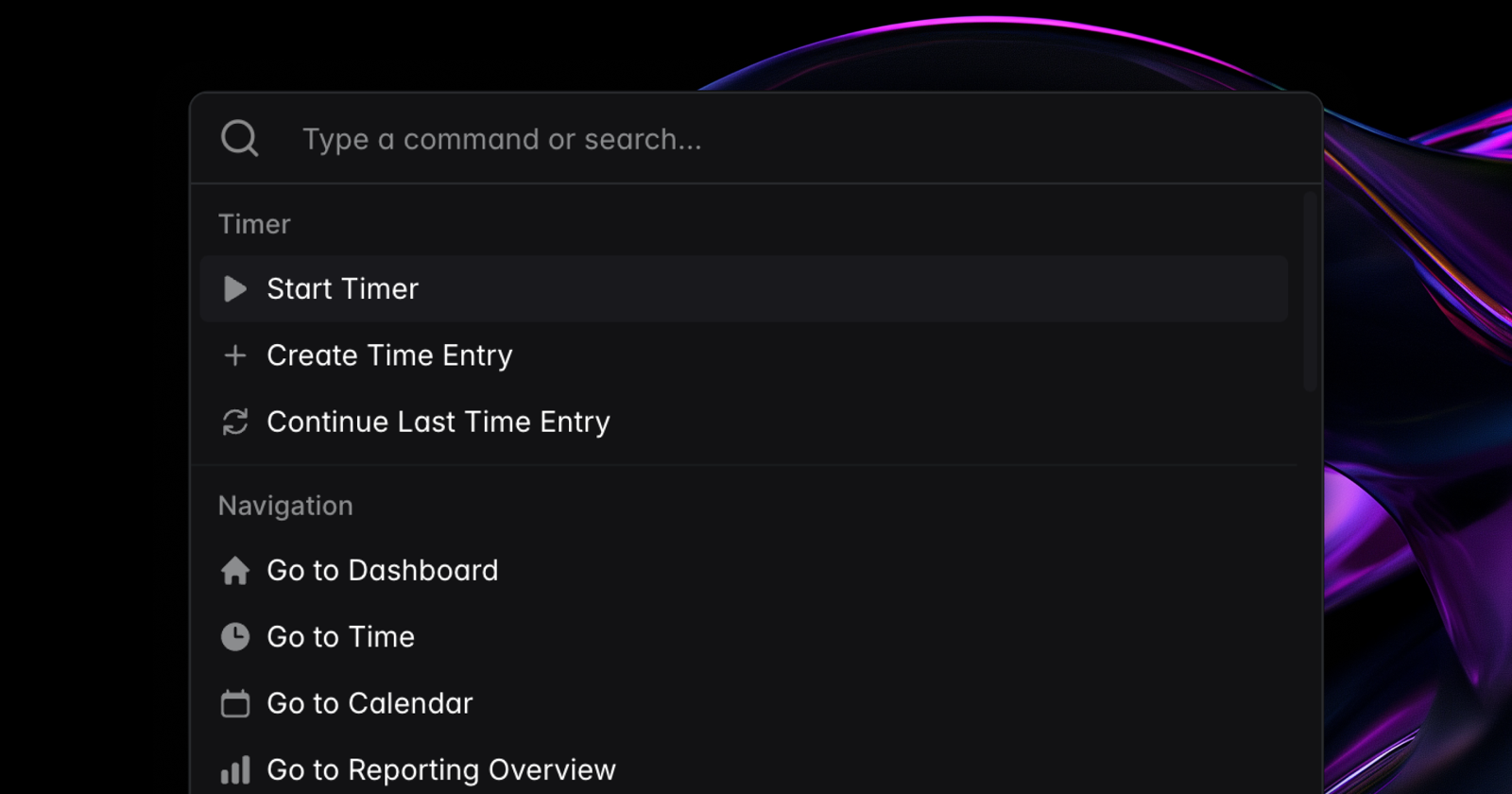
The new command palette lets you start and stop time entries, jump to any page, and search for projects, clients and more — all without reaching for your mouse. Open it with Cmd/Ctrl+K or click the search icon in the sidebar.
Better reporting filters
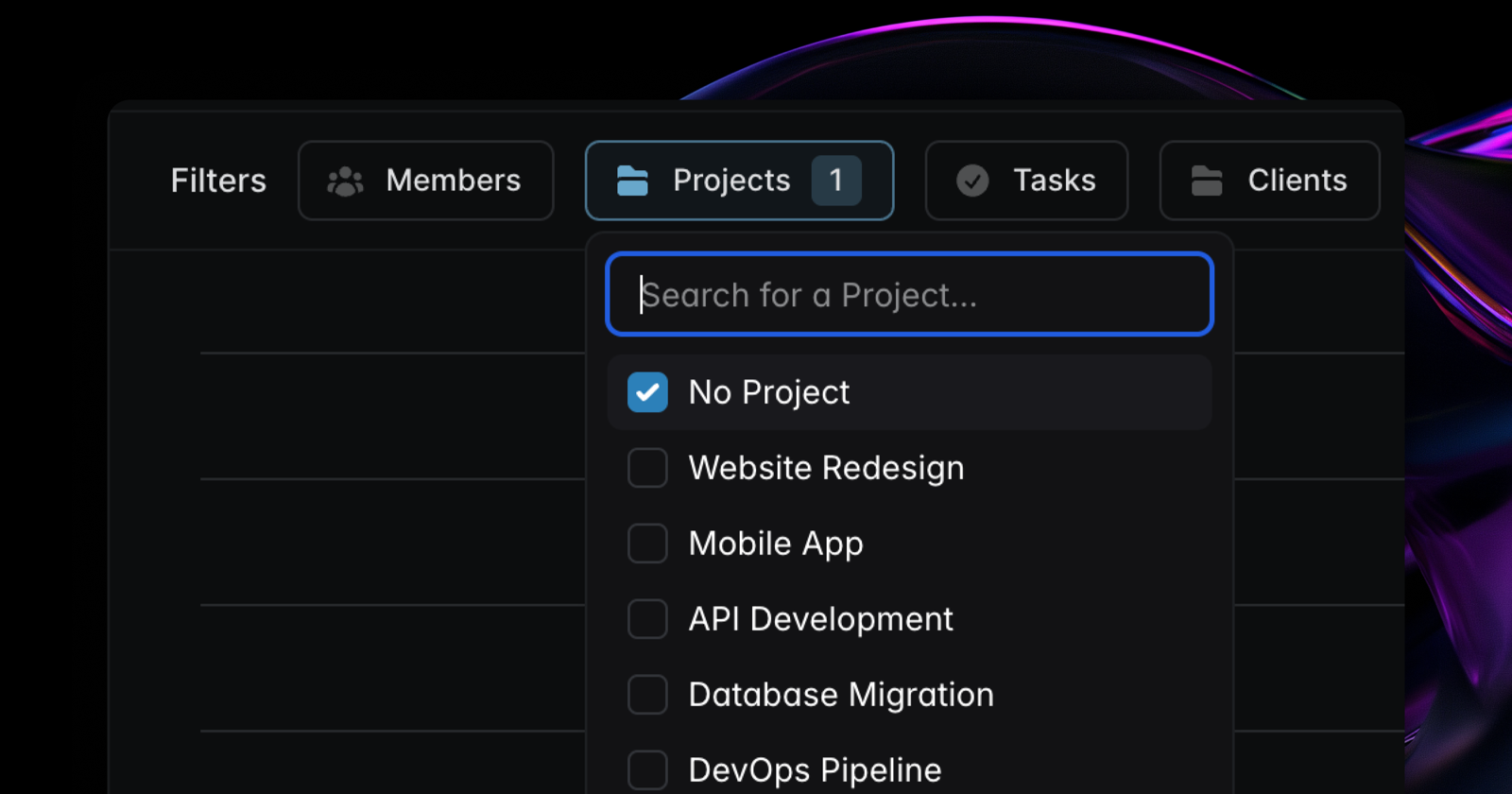
Cleaning up your time entries just got easier. Reporting now supports filtering for entries that don't have a project, tag, client or task assigned — in both the UI and the API. Quickly spot untagged entries and keep your data organized.
Calendar view customization
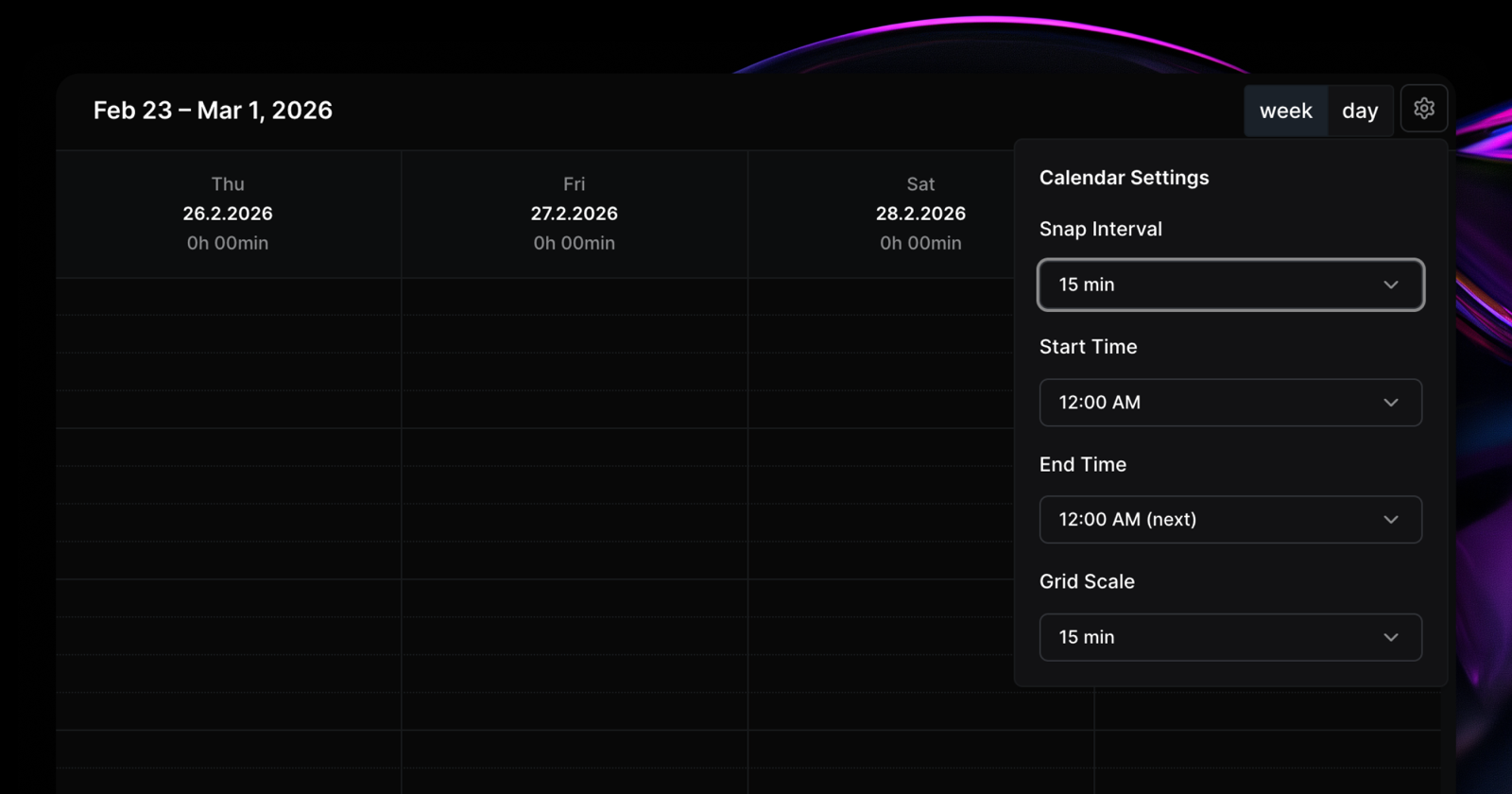
The calendar view now has three new settings in the calendar settings dropdown:
- Snap interval — control the grid resolution for snapping entries. Set it as low as 1 minute to effectively disable snapping, or keep the default of 15.
- Grid scale — adjust how compact or spacious the calendar appears.
- Start and end time — hide hours before your workday starts and after it ends.
Employee task management
A new organization setting lets employees manage tasks within projects they have access to, cutting down on back-and-forth with admins. It's off by default, so your existing permissions stay exactly as they are until you opt in.
Sortable tables
The members, clients and tags tables now support sorting, making it easier to find what you're looking for as your organization grows.